
Hello, storytellers!
If you have a story, logline, characters, and dialogues and are still struggling to choose precise screenwriting software to craft your script professionally, this blog is for you.
Whether you’re a beginner, an independent filmmaker, or a professional screenwriter, this guide will help you choose the right tool based on your goals, budget, and writing style.
In this blog, you’ll discover the top 10 most used screenwriting software tools worldwide, including their key features, pros and cons, pricing, and best use cases.
You’ll also learn why screenwriting software is essential in modern storytelling and how it can help you get noticed by producers, studios, and streaming platforms.
So, don’t wait and start reading.
Why professionally written scripts are crucial?
Today’s era demands potential content. That means writing a story is not enough. If you have a unique concept but an unstructured script, it will increase the chances of rejection.
To achieve professional recognition, it is essential to transform your idea into a well-structured script.
If you want your script to be taken seriously in the movie, TV, or OTT industry. You should focus on some foundational facts,
- Industry Standard Format – Producers and studios expect a script to follow specific formats; anything less looks unprofessional. A professional script has pre-decided fonts(12 Courier New), Monospace(1 page ≈ 1 minute of screen time), Line spacing(single space between elements), Margins(Top, Bottom, Right: 1 inch & Left: 1.5 inch) and Key Script elements(Scene, Action, Character, dialogue, etc.). These points make a script industry-ready.
- Strong Structure and Collaboration Friendly– A professional script smoothly communicates actions and visuals to directors and crew. It ensures your story has a solid beginning, middle, and end with proper pacing. These kinds of scripts provide ease to co-writers, directors, and producers to read, edit, and plan.
- Professional Impression – A clean, polished script shows your credibility. Professionals write faster, rewrite better, and meet deadlines efficiently.
- Follows Budget & Attracts Investors & Studios – Well-formatted scripts help production teams estimate resources and costs. A professional script increases the chances of funding or getting picked up.
- Career Growth – Professionally formatted scripts open doors to contests, fellowships, and representation that undeniably lead to success.
Once writers understand these procedures and formats, they start to focus on structured scripts and align with screenwriting software.
Why Does Screenwriting Software Matter?
Whether you’re crafting your first short film or writing a feature film, the tool you use can significantly impact your writing speed, structure, and even creativity.
Writing a screenplay is not like writing a novel or blog post. Scripts follow strict formatting rules.
A good screenwriting tool makes the writing process smoother. It
- Auto-formatting your scenes, dialogue, and transitions,
- Organise your plot, characters, and structure,
- Offers collaboration tools for co-writing,
- Integrates with production workflow,
To take your script from page to screen.
How We Ranked the Top 10 Screenwriting Tools.
We evaluated these tools based on,
✅ Industry Usage ✅ Features and user interface ✅ Price (Free to Pro)
✅ Collaboration support ✅ Platform compatibility✅ Language support
🎬 Top 10 Most Used Screenwriting Software in 2025
1. Final Draft
Industry Standard | 💰 Paid | 💻 Mac, Windows
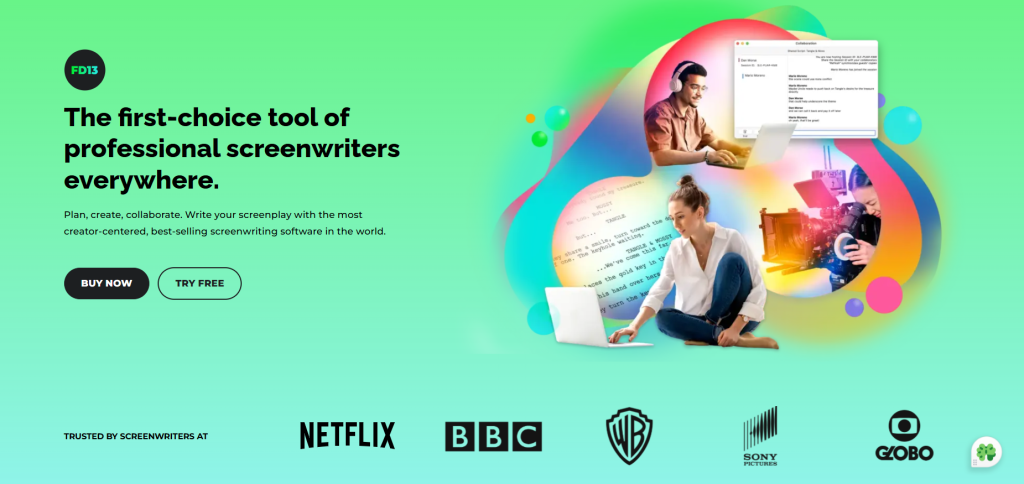
Final Draft is the most trusted screenwriting software used in Hollywood, Bollywood and by major OTT platforms, including Netflix. It is the go-to tool for writers aiming for studio-level professionalism and production-ready scripts.
Key Features:
- Automatic screenplay formatting.
- Beat Board for story planning.
- Revision tracking and production tools.
- Integration with production pipelines.
Pros:
- Globally accepted by studios and production houses.
- Streamlined with advanced planning tools.
- Handles all major script formats smoothly.
Cons:
- Expensive for beginners.
- No free version for testing before purchase.
Best For: Professionals, film school students, industry submissions
Pricing: $199 (One-time)
Website: www.finaldraft.com
2. Celtx
Cloud-based | 💰 Freemium | 💻 Web, iOS, Android
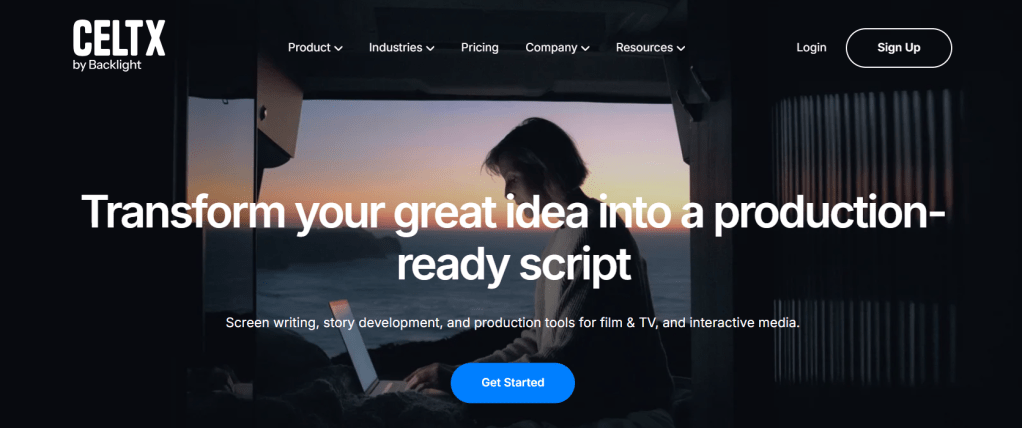
Celtx is a versatile screenwriting and production tool trusted by indie filmmakers, writers, and students. It is very popular in indie educational spaces. It offers a complete cloud-based suite that helps teams collaborate, plan, budget, and schedule their entire production from script to shoot.
Key Features:
- Real-time collaboration for smooth teamwork.
- Script breakdowns, budgeting, and scheduling tools to manage production.
- Integrated storyboarding features to visualise your scenes.
Pros:
- Ideal for collaborative writing and team workflows.
- Built-in production planning tools.
- Cloud access.
- Affordable, Beginner-friendly and accessible from anywhere.
Cons:
- Offline access is limited in the free version.
- The interface can feel crowded with too many tools.
Best For: Indie filmmakers, student teams
Pricing: Free | Pro plans from $25/month
Website: www.celtx.com
3. WriterDuet
Collaboration King | 💰 Freemium | 💻 Web, Mac, Windows
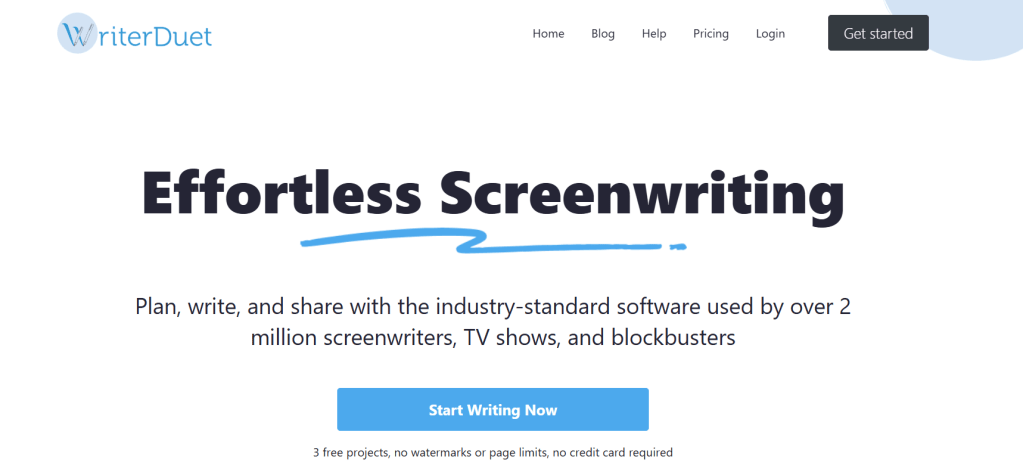
If you’re writing with a co-writer or working remotely, WriterDuet is a dream tool. It is the ultimate tool for co-writing, allowing writers to collaborate in real-time. This software is utilised by creators of OTT platforms and indie professionals, offering a seamless combination of cloud syncing, offline mode, and intelligent version tracking.
Key Features:
- Seamless real-time co-writing.
- Built-in version history and commenting.
- Syncs effortlessly online and offline.
Pros:
- Effortless collaboration for writing partners.
- Cloud-based with offline flexibility.
- A clean, modern interface that’s easy to navigate and use.
Cons:
- The free version limits you to just 3 scripts.
- May require internet for full features.
Best For: Writing teams, remote writers
Pricing: Free | Pro from $11.99/month
Website: www.writerduet.com
4. Fade In

Pro Alternative | 💰 Affordable | 💻 Mac, Windows, Linux, iOS
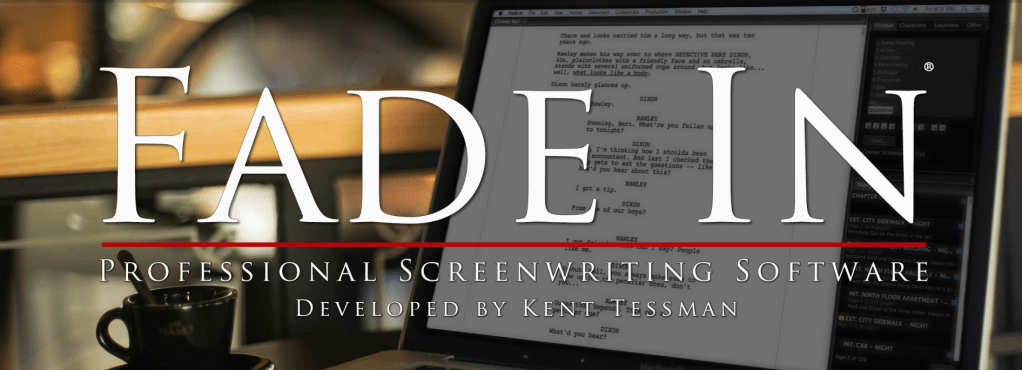
Fade In is a professional-grade screenwriting software that rivals Final Draft at a fraction of the cost. It is compatible with Final Draft and is known for its sleek interface and fast performance. Its vast compatibility makes it a favourite among serious writers who want top-tier tools on a budget.
Key Features:
- Easy scene navigation and virtual index cards for quick planning.
- Supports multiple export formats like PDF and FDX.
- Built-in tools for collaboration and version tracking.
Pros:
- One-time payment, no subscriptions.
- Fast, lightweight, and reliable.
- Fully compatible with industry formats like Final Draft.
- The free version is available.
Cons:
- It is a slight learning curve for absolute beginners.
- Limited cloud features without manual setup.
Best For: Serious writers on a budget
Pricing: Free| $79.95 one-time
Website: www.fadeinpro.com
5. Scrite

Free | 🧭 Built for Indian Writers | 💻 Windows, Mac, Linux
Scrite is a homegrown screenwriting software made especially for Indian storytellers. With native support for Hindi and various regional languages, along with visual tools such as scene cards and character graphs, it is quickly becoming the preferred choice for writers in India’s booming film and OTT industry. It is a free screenwriting tool.
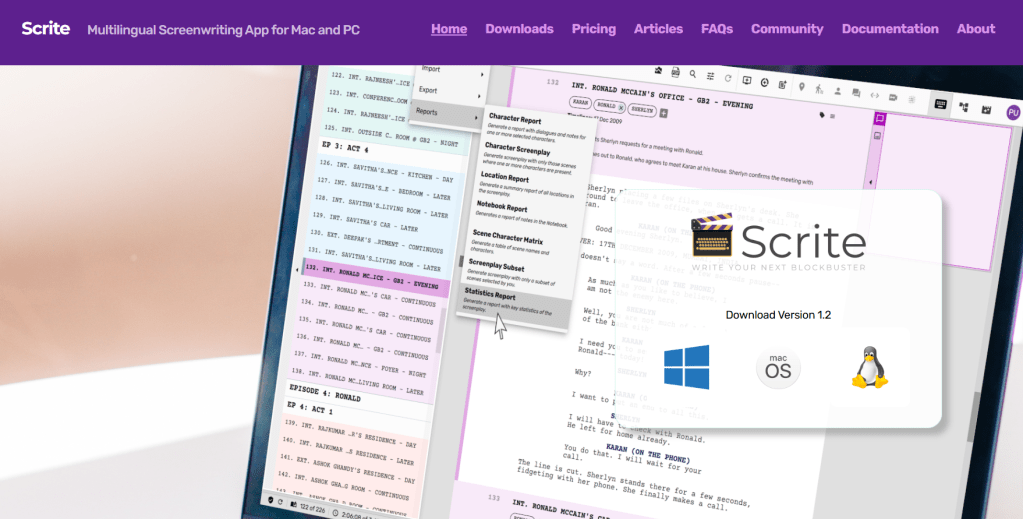
Key Features:
- Supports multiple languages, including Hindi and regional.
- Includes character graphs, timelines, and scene cards to map your story.
- Offers a clean, distraction-free space for focused writing.
Pros:
- Supports Indian storytelling styles.
- 100% free to use.
- Strong visual planning features.
Cons:
- Lacks cloud-based sync (for now).
- Limited collaboration tools.
Best For: Indian screenwriters, regional content creators
Pricing: Free
Website: www.scrite.io
6. Highland 2

💻Mac-Only | Minimalist | 💰Freemium
Created by screenwriter John August. Highland 2 is a beautifully designed, minimalist screenwriting tool made for writers who value clarity, focus, and clean storytelling. It is perfect for solo writers working on a Mac who want to stay immersed in their script without distractions.
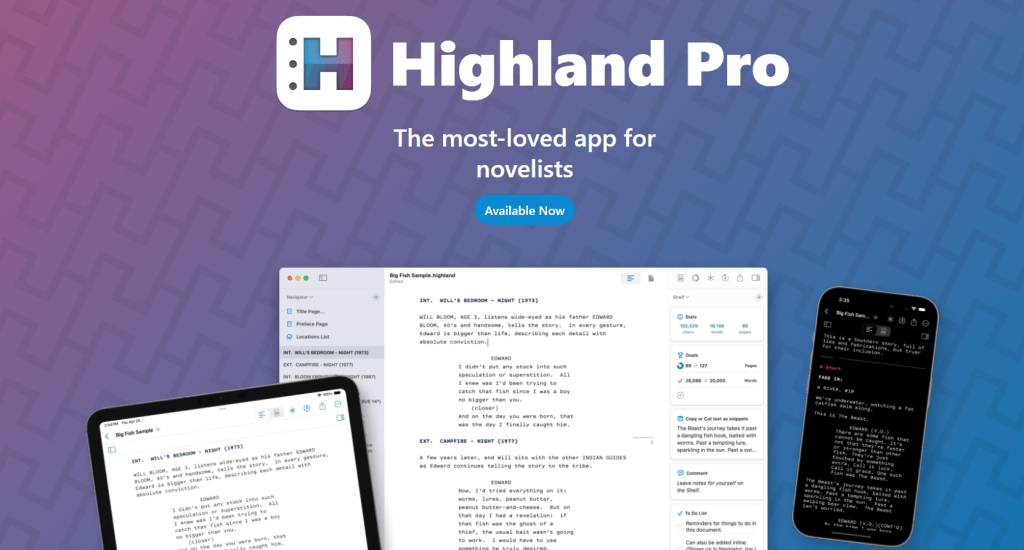
Key Features:
- Automatic formatting that keeps your screenplay industry-standard.
- A clean, distraction-free interface designed for focused writing.
- Gender analysis tools to balance and improve your dialogue.
Pros:
- Distraction-free writing experience.
- Easy and smooth export options (PDF, Final Draft, and more).
- Designed natively for Mac for optimal performance.
Cons:
- Available only on Mac—no Windows or web version.
- Missing built-in collaboration tools for team writing.
Best For: Solo writers, Mac users
Pricing: Free | Pro at $49.99
Website: www.highland2.app
7. Trelby

Free & Open Source | 💻 Windows, Linux
Trelby is a lightweight, simple screenwriting software ideal for beginners or writers who prefer offline, distraction-free tools. It is fast and reliable, great for writers or coders who love open-source tools with a no-frills environment. It provides limited features but is great for offline writing.
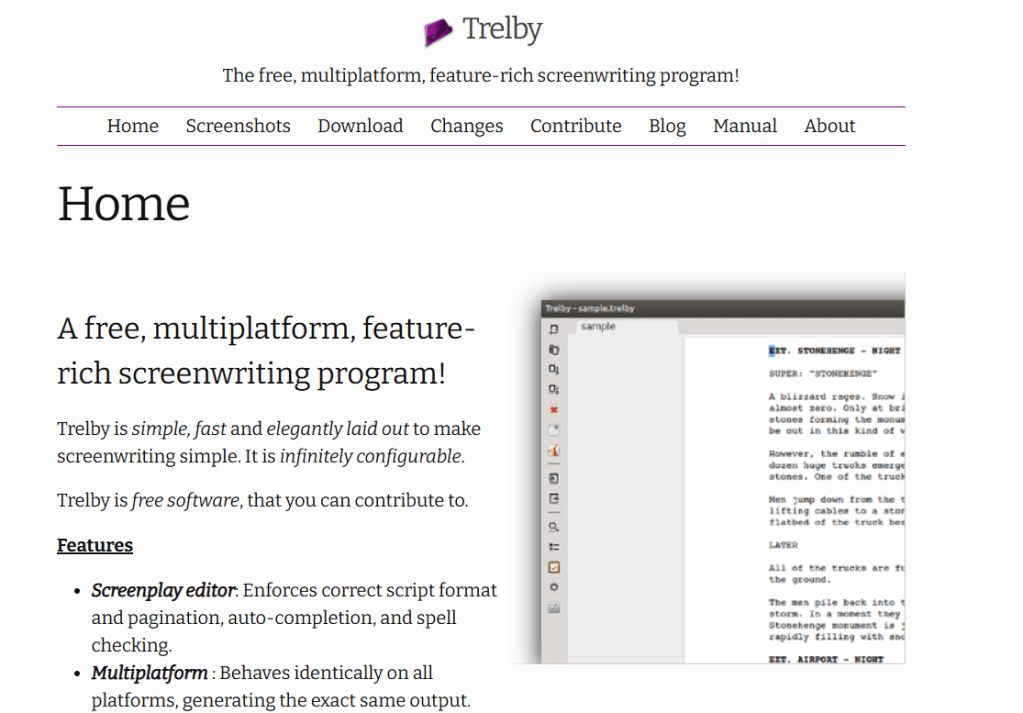
Key Features:
- Automatic screenplay formatting for effortless writing.
- Detailed scene reports and character statistics to track your story.
- The minimalist, fast-loading interface keeps you focused.
Pros:
- Completely free with no subscriptions.
- Clean and distraction-free workspace.
- Lightweight and quick to install.
Cons:
- No cloud sync or real-time collaboration.
- Lacks updates and modern features.
Best For: Beginners, offline users, open-source enthusiasts
Pricing: Free
Website: www.trelby.org
8. StudioBinder

All-in-one Production Suite| 💰Paid| 🌐Web
StudioBinder is more than just a screenwriting tool—it’s a comprehensive pre-production platform used by directors, producers, and production teams. It combines scriptwriting with shot lists, call sheets, and scheduling, making it ideal for turning scripts into shoot-ready plans.
Key Features:
- Screenwriting combined with detailed script breakdowns.
- Tools for scheduling, shot lists, and call sheets.
- Collaborative workspace.
Pros:
- Ideal for production houses/workflows.
- Team coordination tools.
- Smooth import/export of scripts and plans.
Cons:
- The screenwriting editor is more basic compared to specialised software.
- It can be expensive for solo writers or small projects.
Best For: Directors, producers, production houses
Pricing: From $29/month
Website: www.studiobinder.com
9. KIT Scenarist

Research-Heavy | 💰Free + Pro | 💻Windows, Mac, Linux
KIT Scenarist is an ideal tool for writers seeking an all-in-one solution for research, writing, and script analysis. It supports detailed story development, character research, notes, cards and pacing statistics.
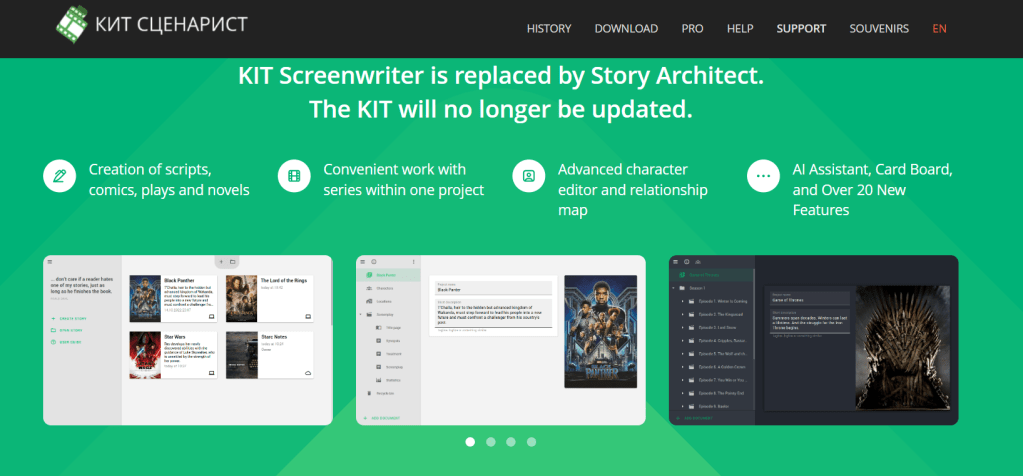
Key Features:
- Dedicated story development section to shape your narrative.
- Tools for character research, tagging, and note-taking.
- Analytical features to help you fine-tune pacing and story structure.
Pros:
- Powerful features even in the free version.
- Great for planners and academic writers.
- Supports detailed story and character management.
Cons:
- The interface can feel a bit outdated
- Smaller user community and limited tutorial resources
Best For: Researchers, planners, festival writers
Pricing: Free | Pro from $18/year
Website: www.kit-scenarist.ru
10. Arc Studio Pro
Netflix-Ready | 💰 Freemium | 💻 Mac, Windows, Web
Arc Studio Pro is a modern screenwriting software favoured by professional writers’ rooms, including Netflix shows. It offers powerful outlining, beat boards, and collaboration tools designed to keep teams focused and scripts studio-ready.
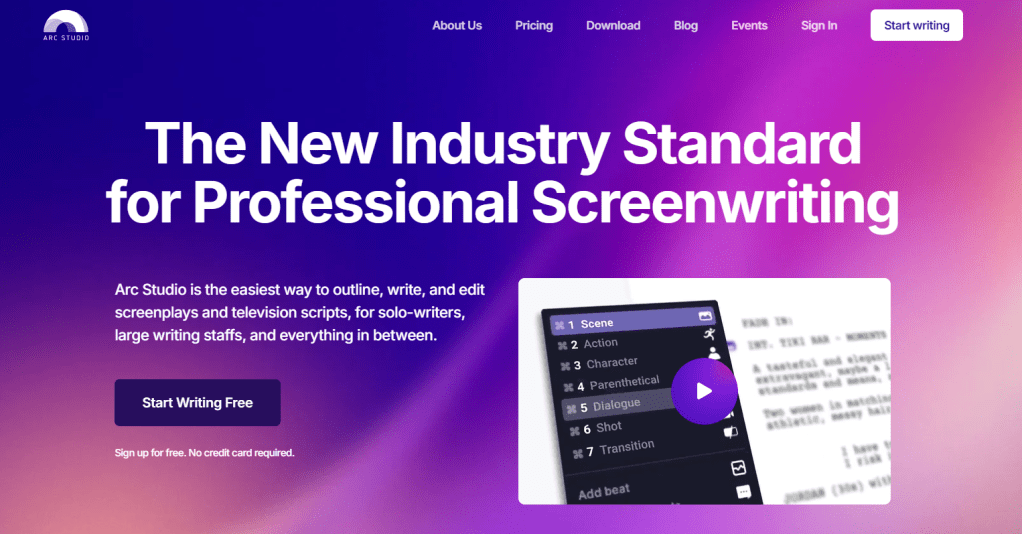
Key Features:
- Visual beat boards and powerful outlining tools.
- Real-time collaboration with seamless cloud syncing.
- Distraction-free writing mode for maximum focus.
Pros:
- User-friendly and quick to learn.
- Formats scripts to studio standards.
- Clean, attractive user interface.
Cons:
- No built-in production or scheduling tools.
- Higher price for full features.
Best For: Writers aiming for OTT/web platforms
Pricing: Free | Pro from $69/year
Website: www.arcstudiopro.com
Quick Comparison Table
| Software | Price | Platform | Best for | Collaborations |
| Final Draft | $199 | Win/Mac | Professionals | Limited |
| Celtx | Free/Free | plans from $11/month | Web/Mobile | Indie Teams | Yes |
| WriterDuet | Freemium | Web/Desktop | Co-writers | Yes |
| Fade In | $79.95 | All Budget | Professionals | Yes |
| Scrite | Free | Win/Mac/Linux | Indian writers | No |
| Highland 2 | Freemium | Mac Focused | solo writers | No |
| Trelby | Free | Win/Linux | Beginners | No |
| StudioBinder | Paid | Web | Production teams | Yes |
| KIT Scenarist | Freemium | All | Researchers | Limited |
| Arc Studio | Freemium | All | Modern creators | Yes |
Final Thoughts & Recommendations
In this cinematic storytelling world, having the right screenwriting software isn’t a luxury—it is a necessity.
Whether you’re aiming for Bollywood, Hollywood, or OTTs, choosing the right tool can save you hundreds of hours and bring your story to life the professional way.
I recommend,
If you have just started screenwriting, try Scrite, Trelby, or Celtx.
If you’re ready for pro-level work, Final Draft, Fade In, or Arc Studio are excellent choices.
For teams and OTT creators, WriterDuet and StudioBinder are your best buddies.
So, tell me, storytellers, which tool do you use or plan to try?
Drop a comment or tag me on Instagram @writersimranthakur.
I’ll surely feature your comments and stories with others.
Don’t forget to share your valuable feedback by using the comments section or feedback forms.
Every word you share with us contributes to our improvement and growth on our writing journey.
The link to the Professional Screenwriting Workbook is attached here. Purchase your copy and learn to develop powerful stories and industry-ready screenplays anytime, anywhere.
Simran Thakur
Founder AFAWW
Audio Story Scriptwriter | Author | Blogger | Poet















Leave a comment